How TreeNav Works
Turn flat collections into hierarchical navigation. Drag, drop, publish.
Four simple steps to better navigation
TreeNav makes it easy to transform your Shopify store's navigation. Here's how to get started.
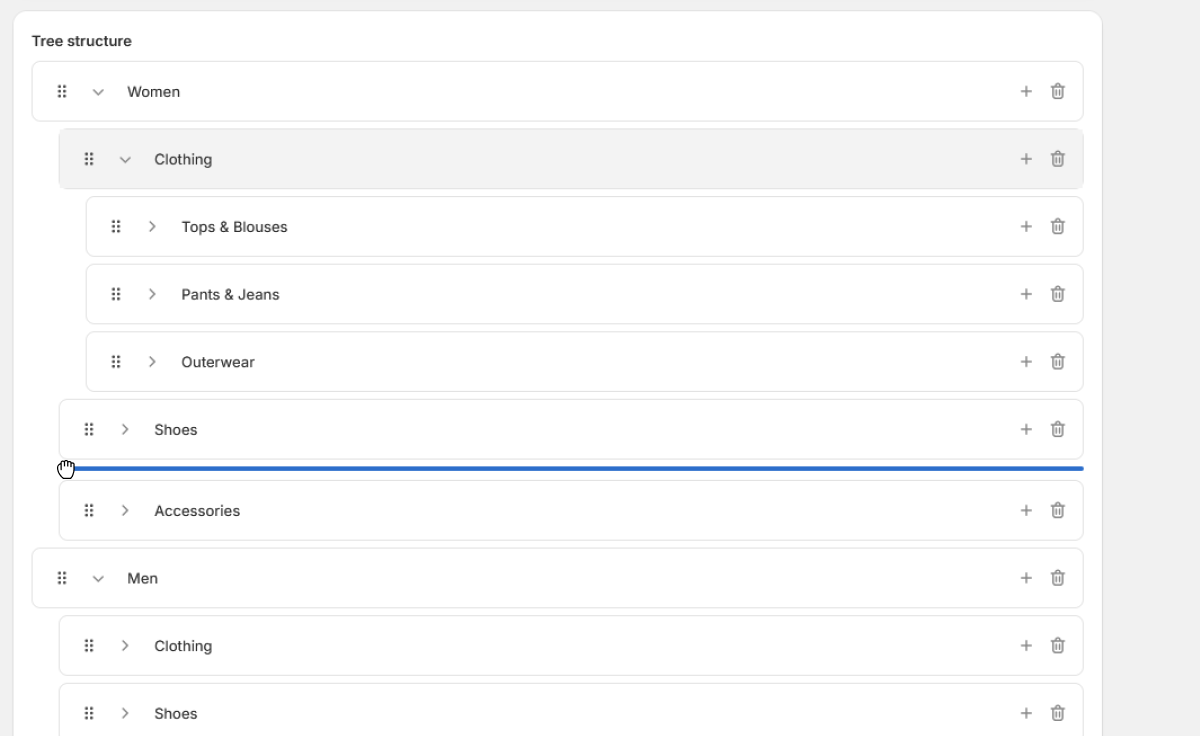
1. Create Trees
Build navigation hierarchies using our visual tree editor. Drag and drop collections to create parent-child relationships.
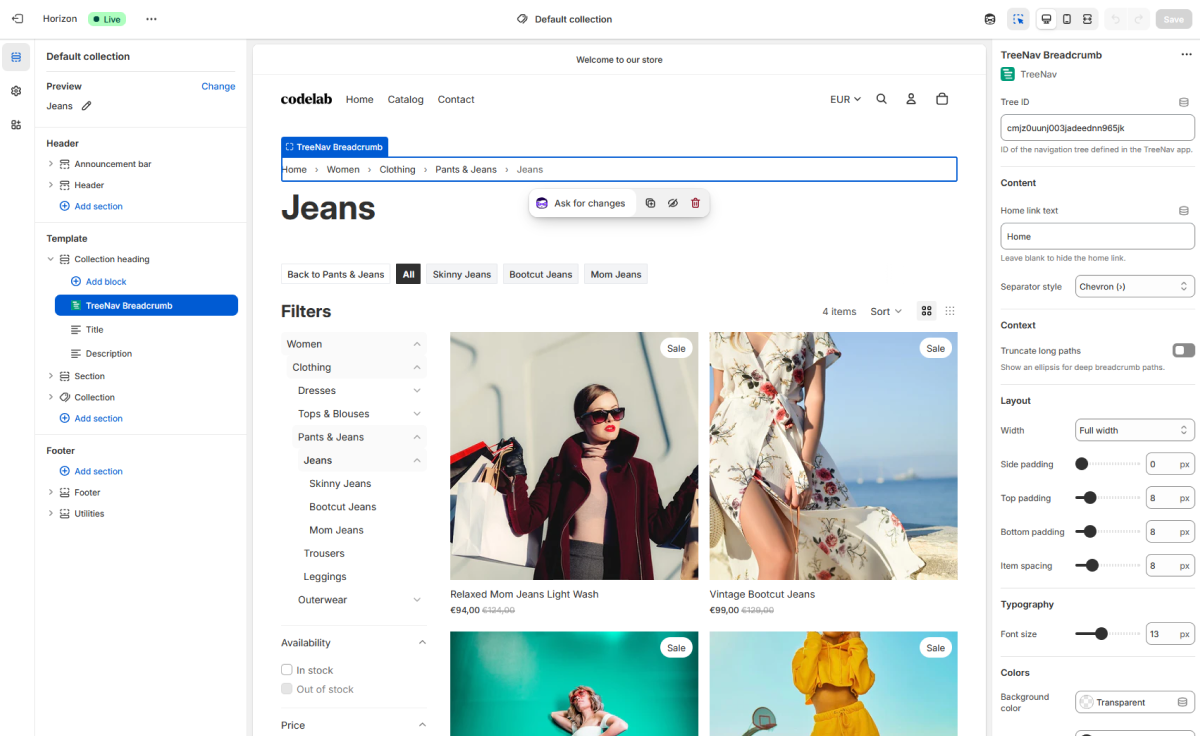
2. Add Blocks
Add TreeNav blocks to your theme using the theme editor. No code editing required.
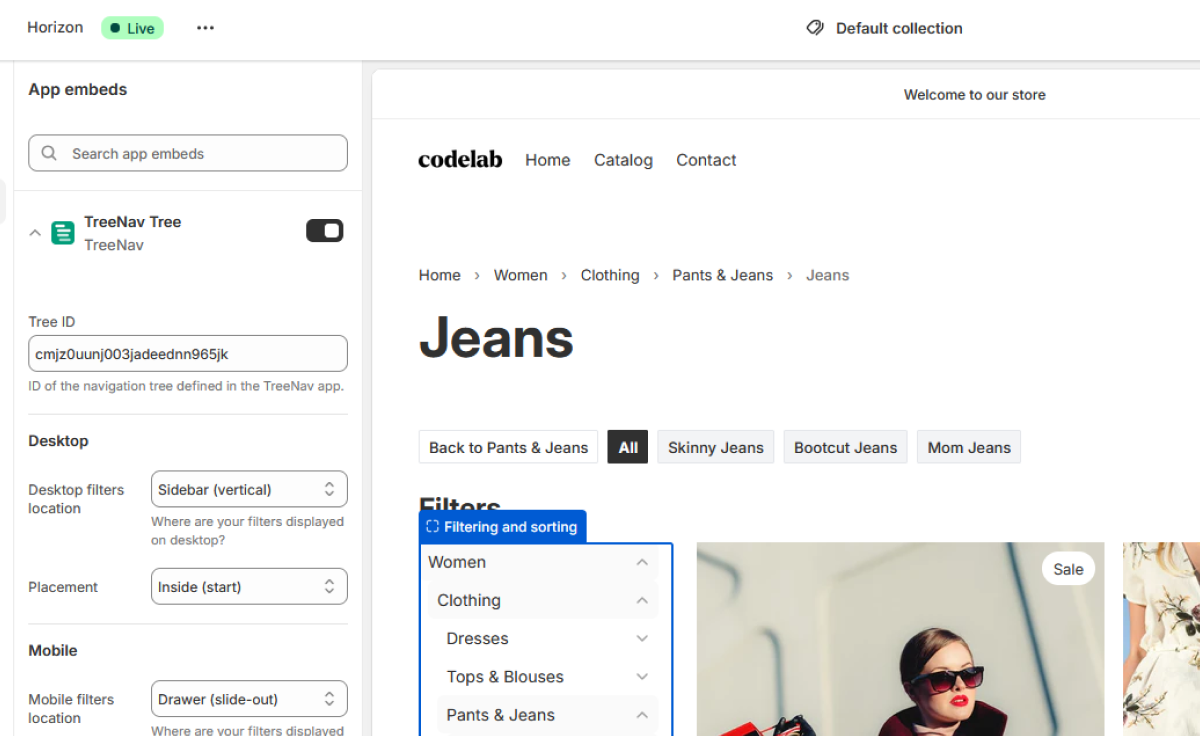
3. Customize
Configure settings like colors, typography, and behavior to match your brand.
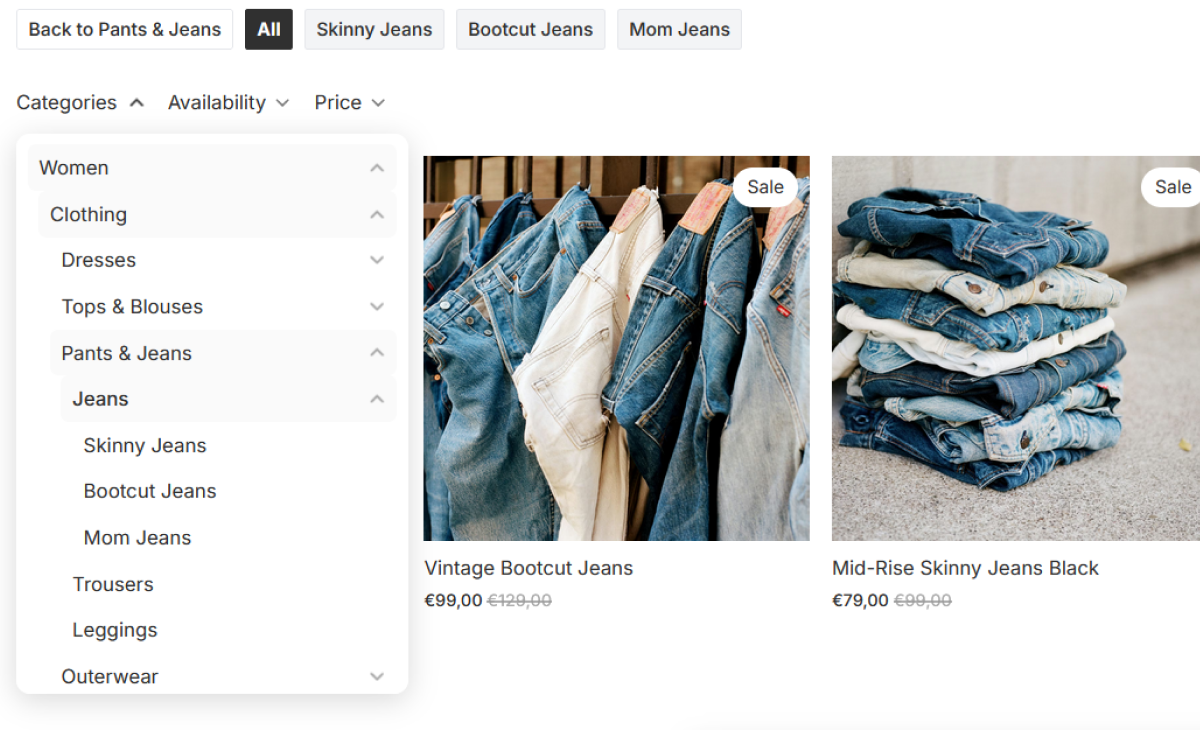
4. Publish
Save your changes and your navigation trees are live. No manual maintenance required.
Ready to organize your collections?
Install TreeNav today and give your customers the navigation experience they deserve.